What is screencast video?
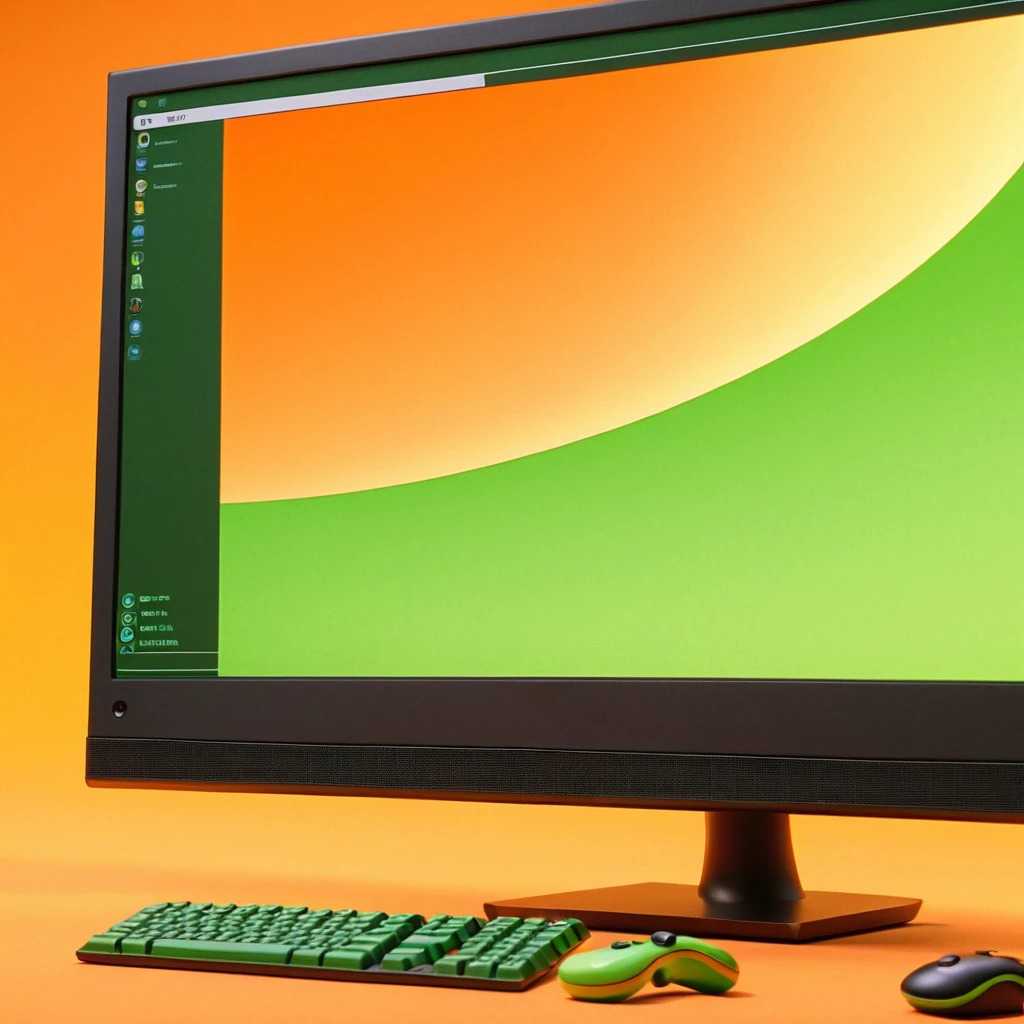
A screencast video is a digital recording of a computer screen and whatever is happening on there. When used for marketing purposes, it often includes voice-over as well.
Also known as video screen capture, this style is easy to produce and does not cost much. What we do for our clients who want to have a screencast explainer video created is pretty straightforward too.
First, we analyse the product that you are offering to your clients and make sure that we understand it fully ourselves. Then our creative team figures out the best way to portray its benefits and capabilities using screencast technique. The next steps are recording the screencast, writing its audio script and producing the voice-over. The combination of these elements results in a simple, yet attractive and informative explainer video.

Where and why is screencast video used?
At first sight, you might think that a screencast video is too clear-cut to significantly benefit your company. We have learned from experience that this is not necessarily true. Depending on your business and the purpose of your explainer video, a screencast can be the perfect choice! Many up-and-coming startups rely on this style to establish their name in the market – its low cost is definitely newcomer-friendly.
Companies that are already well-established go for a screencast video to showcase new software. There is simply no better way to show a customer how a certain platform works than to use it yourself. For this reason, screencast style is also a great choice for tutorial explainer videos. All in all, when used for the right product, screencast videos can hardly be beaten by more elaborate animation techniques.
Screencast videos are straightforward and low-budget. They can also be surprisingly informative when created by true experts. This is why they remain popular and are still employed by numerous businesses today.
What is animated screencast video?
Animated screencast videos make use of screen captures as well as audio narration. Screen captures are taken as the screens change and the audio explains what is happening. The screenshots are then synchronized with the audio voice over to end up with a comprehensive explainer video.
Why would you use screencast animation for your explainer video?
These types of videos are excellent for tutorials, manuals, guides and are also used as a cheaper explainer video by startups. These explainer videos are used to demonstrate website features, operating systems, apps and software quite effectively. The screenshots are captured during a demo of the product. The video is then made from the subsequent screen captures and is synchronized with the audio for a detailed completed product. The explainer videos are easy to share or load on your website as well. Many companies use screencast animation videos for staff training or as product manuals for more complicated products or services. These work especially well for demonstrating mobile applications.